
Remotion: Build Custom Videos with Code
Ai Image & Video ToolsDescription
Remotion is an innovative video programming tool designed for developers who want full control over video creation by coding.
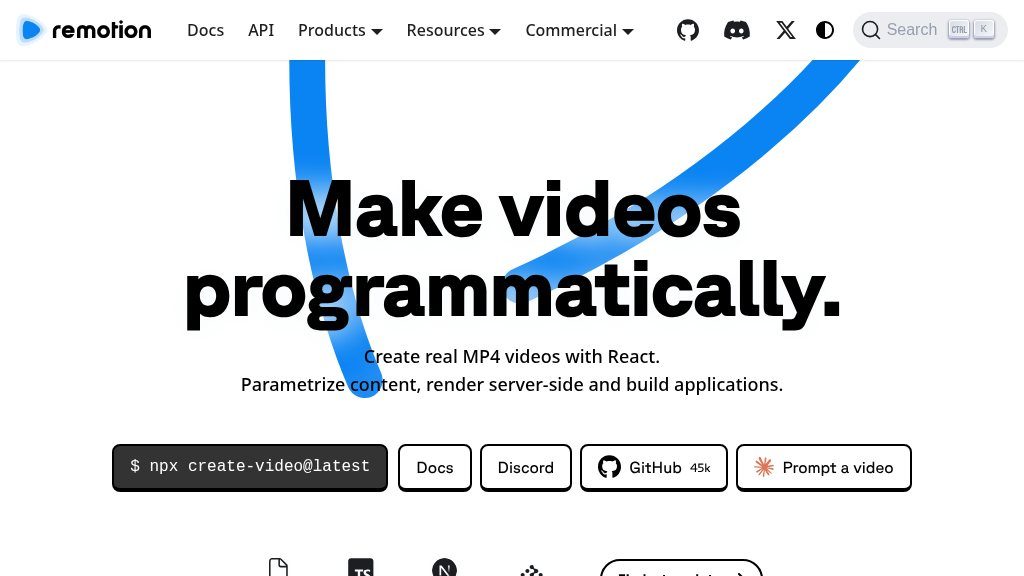
The Main Idea
AI image and video directories increasingly include tools that treat visual production as a software problem, not only as a timeline-editing task. Remotion sits at the code-first end of that category. It lets developers create real MP4 videos with React, then use code, data, and reusable compositions to control how those videos are assembled and rendered.
That approach is particularly relevant when a project needs repeatable output rather than a single manually edited file. Instead of working only inside a fixed template, a developer can build a video composition, expose values such as text, images, colors, timing, and layouts, and connect those controls to an application or automation.
What Visitors Can Explore
The website presents several ways to work with the platform:
- Remotion Studio supports interactive editing and animation, including drag-and-drop changes that can be saved back to code.
- React-based compositions provide a structured way to define scenes and reusable video templates.
- The Player can be used for interactive previews before rendering.
- Rendering options include local, server, serverless, and in-browser workflows, according to the site.
- Output formats shown on the page include MP4, WebM, GIF, and PNG.
- Documentation, templates, examples, and community resources give developers reference material for building projects.
The page also highlights coding agents and “agentic” video creation, although visitors should review the documentation to understand the exact setup and capabilities of those workflows.
Strengths
- React and code-based control for reusable, data-driven video compositions
- Interactive Studio workflow can save drag-and-drop edits back to code
- Supports previews and rendering across local, server, serverless, and browser environments
- Documentation, templates, examples, and an active developer community are presented on the site
Cons
- Requires development skills and may involve a learning curve for users accustomed to visual editors
- Licensing differs by team size, usage, and automation scenario, so the applicable terms need verification
- The platform may be more involved than necessary for a single, manually edited video
Potential Uses
Remotion appears suited to projects where video content changes according to inputs. Possible applications include reusable video generators, personalized clips, data-driven reports, visualizations, captioned content, music visualizations, and internal or customer-facing apps that need video rendering. Its parameterized rendering model is also relevant to teams producing many variations from a shared design.
A typical workflow could begin in Studio, continue with a reusable composition, and then expose that composition through an editor, generator, or automation. The distinction matters: this is not simply a collection of ready-made social templates. It is a development framework for turning video designs into configurable systems.
Audience and Fit
The strongest fit is for React developers, creative technologists, product teams, and companies building video features into applications. People comfortable with JavaScript and component-based interfaces will likely find the model more approachable than users starting with no coding experience. Conventional editors may still be more suitable for one-off, hands-on productions.
Before You Rely on It
Remotion’s flexibility comes with a technical learning curve. Visitors should assess their React knowledge, rendering environment, expected volume, and need for automation before choosing it. Licensing also varies by situation: the page lists free use for individuals and companies of up to three people, Company and Enterprise options, and separate Creator and Automator plans with stated minimums. Because terms and prices can change, confirm the current license requirements for commercial use and team size.
A practical next step is to inspect the documentation and starter project, then test one small composition from creation through preview and rendering. That will reveal more about the workflow than comparing it with traditional editors by feature list alone.
Embeds
Copy short script widgets for this listing. People often use Textfrog to search for their next personal or work tool. Encourage your community to leave reviews on Textfrog.
Review widget
A clean review badge with stars and review count.
Featured badge
A compact badge for products listed on Textfrog.
Similar Tools
Gumo is your AI co-pilot for turning Reels, Shorts, links, and images into colla...
The all-in-one AI platform for image and video creation. Generate, upscale, rest...
Maket uses generative AI so homeowners, architects, and builders can quickly des...
Every creative tool in one chat. Generate images, videos, music, and more — po...
Featured Links
Earn money for each visitor to your shortened links with xut.io! Earn up to $500...